Skip to content

Rent a Minecraft Server

Create your own Minecraft world with our cloud technology. Full control, maximum performance.

Instant activation after order · Mods & Plugins of your choice · Backups on demand & on a schedule · DDoS protection included

prepaid-host.com · Minecraft

Configure server

Available
Cloud RAM 4 GB
2 GB 6 GB 10 GB 14 GB 18 GB
4
vCores
40
GB NVMe
∞
Unlimited Servers
Duration
Total price
0,00 € incl. VAT · instantly active
Go to cart
Instant Online
DDoS Protection
Cancel anytime
AMD EPYC™ processors
NVMe Gen4 SSD
10 Gbit/s uplink
Enterprise DDoS protection
Frankfurt, Germany
GDPR compliant

Online instantly

Your server in seconds

After ordering, your game server is automatically provisioned and started — ready to play in under 2 minutes.

server — boot
[BIOS] Initializing hardware... OK
[CPU] AMD EPYC — 4 vCores ✓
[MEM] Allocating RAM... OK
[DISK] NVMe Gen4 mounted ✓
[NET] 10 Gbit/s link up ✓
[DDOS] Shield active ✓
[GAME] Loading world data... OK
[GAME] Spawning entities... OK
→ Server ready!
ONLINE — Waiting for players

Included features

Everything you need

With our intuitive web panel you have all features right in your browser. Start servers, install mods, create backups – all with just a few clicks.

Full Control Over Your Server

With our intuitive web panel you have all features right in your browser. Start servers, install mods, create backups – all with just a few clicks.

Live Console

Real-time access to your server console

Mods & plugins in the panel

Pick Paper, Forge or Vanilla and install mods from Modrinth and CurseForge right in the panel.

Automatic Backups

Back up your game world with one click or on a schedule

Subusers & permissions

Give friends access – with individual permissions per server.

Hardware for Real Gamers

No compromises on performance. Our servers run on state-of-the-art hardware for a lag-free gaming experience.

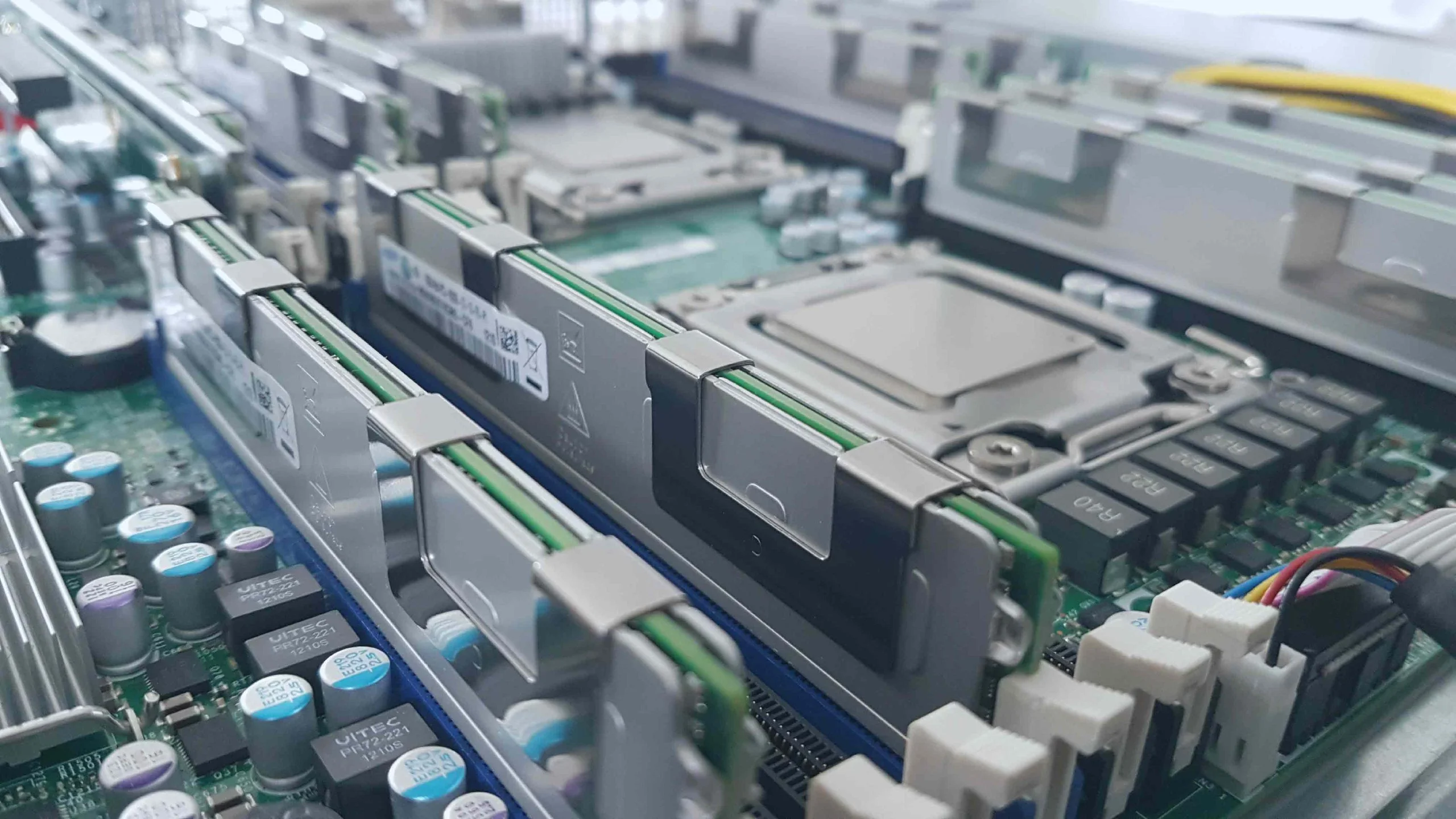
High-Performance CPUs

Strong single-thread performance

NVMe SSD Storage

Lightning-fast load times

DDoS Protection Included

Enterprise-level protection

10 Gbit/s network

High-speed connection for a lag-free gaming experience without packet loss.

Hardware Performance

Why our Cloud is different

No compromises on performance, security and service - experience the difference

Switch games at no extra cost

Switch between Minecraft, Rust, Valheim, GMod and more at any time – at no extra charge. The new game is installed automatically.

Multiple servers in parallel

Split your RAM across as many servers as you like. Minecraft + Valheim at the same time? No problem.

Dynamic scaling

More players? Just add more RAM and upgrade your existing servers.

Game features

What to expect with Minecraft

Supported versions

Java Edition with Paper, Forge or Vanilla – type and version switchable in the panel. Bedrock has its own server types.

Mod support

Paper Forge Vanilla Modrinth CurseForge

Special features

  • Search and install mods and plugins in the panel
  • Manage whitelist, ops and bans in the panel
  • Upload and download worlds, set the seed
  • Backups and scheduled tasks

Guide

Your Minecraft server: what you should know

Why your own Minecraft server?

Your own server pays off as soon as you play together regularly: the world keeps running no matter who is online. You choose the version, rules and mods, and the whitelist and permissions decide who gets to join.

Java or Bedrock?

  • Java Edition is played on PC (Windows, macOS, Linux). It has by far the largest selection of mods and plugins.
  • Bedrock Edition runs on consoles, phones and tablets, and in the Windows version from the Microsoft Store. Bedrock players can't join a Java server directly. For that you need a separate Bedrock server or a bridge plugin such as Geyser.

If everyone plays on PC, go with Java. If someone joins from a console or phone, plan for Bedrock.

Paper, Forge or Vanilla?

  • Vanilla is Mojang's official server, without extensions.
  • Paper is a performance-optimised server that runs Bukkit and Spigot plugins such as LuckPerms, EssentialsX or WorldEdit. Plugins change rules and commands; your players don't need a modified client.
  • Forge loads mods that extend the game itself: new blocks, dimensions or whole modpacks. Every player then needs the same mods in the same version.

In the panel you switch between Paper, Forge and Vanilla and install mods from Modrinth and CurseForge. You also accept the Minecraft EULA there on first start.

How much RAM does a Minecraft server need?

Rough guidance, not a guarantee. View distance, the number of plugins or mods and how much players explore make the difference:

  • Vanilla or Paper for up to 5 players: 2–4 GB
  • Paper with a few plugins for 10–20 players: 4–6 GB
  • Forge with a small modpack: 6–8 GB
  • Large modpacks with more than 100 mods: 8–12 GB or more

Start a little smaller. You can add RAM at any time without setting the server up again.

How it works at Prepaid-Host

You book cloud RAM for a fixed term and pay up front, with no subscription trap. From that RAM you create one or more servers, such as a survival world plus a test server for new plugins. If you want to play something else later, you switch games at no extra cost. The servers are located in Frankfurt am Main and protected against DDoS attacks.

How It Works

Easy to Get Started

Launch your Cloud Gameserver in just a few steps

1. Choose Game

Select your favorite game from our Cloud Gaming collection

2. Pay

Securely via PayPal, credit card, Paysafecard and more. Instantly, no subscription trap.

3. Configure

Choose RAM and duration for optimal performance

4. Start Instantly

Your server is ready within 1-2 minutes of payment

FAQ

Frequently Asked Questions

Everything you need to know about our Gameserver Cloud

How fast is my server ready?
After ordering, your game server will be automatically provisioned within 1-2 minutes. You get immediate access to the management panel and can start configuring.
Can I upgrade my server?
Yes! You can add more RAM or extend the runtime at any time. The upgrade happens without data loss and without reinstallation - simply with one click in the dashboard.
How does the DDoS protection work?
All servers are protected by professional DDoS protection. The filtering is automatic and transparent - you don't have to configure anything.
Are backups created?
Yes, we create daily automatic backups of your server. These are kept for 7 days and can be restored at any time with one click.
Where are the servers located?
Our servers are located in the premium data center Maincubes FRA01 in Frankfurt am Main, Germany. This ensures low latency across Europe.
Can I give others access?
Yes, you can create any number of subusers and assign them different permissions. This way team members can manage the server without having access to billing.

Ready for your Minecraft server?

Configure your cloud game server in under 60 seconds. No commitment, instant activation.

  • Instant Online
  • DDoS Protection
  • Cancel anytime
Screenshot