Skip to content

Rent a Rust Server

Create your own Rust server with Oxide/uMod support. Custom maps and full plugin control.

Oxide/uMod one-click install · Custom Maps · SSD Storage · Anti-DDoS included

prepaid-host.com · Rust

Configure server

Available
Cloud RAM 8 GB
8 GB 12 GB 16 GB
4
vCores
40
GB NVMe
∞
Unlimited Servers
Duration
Total price
0,00 € incl. VAT · instantly active
Go to cart
Instant Online
DDoS Protection
Cancel anytime
AMD EPYC™ processors
NVMe Gen4 SSD
10 Gbit/s uplink
Enterprise DDoS protection
Frankfurt, Germany
GDPR compliant

Online instantly

Your server in seconds

After ordering, your game server is automatically provisioned and started — ready to play in under 2 minutes.

server — boot
[BIOS] Initializing hardware... OK
[CPU] AMD EPYC — 4 vCores ✓
[MEM] Allocating RAM... OK
[DISK] NVMe Gen4 mounted ✓
[NET] 10 Gbit/s link up ✓
[DDOS] Shield active ✓
[GAME] Loading world data... OK
[GAME] Spawning entities... OK
→ Server ready!
ONLINE — Waiting for players

Included features

Everything you need

With our intuitive web panel you have all features right in your browser. Start servers, install mods, create backups – all with just a few clicks.

Full Control Over Your Server

With our intuitive web panel you have all features right in your browser. Start servers, install mods, create backups – all with just a few clicks.

Live Console

Real-time access to your server console

Oxide/uMod in one click

Install Oxide in the panel, add plugins via SFTP and trigger map or blueprint wipes directly.

Automatic Backups

Back up your game world with one click or on a schedule

Subusers & permissions

Give friends access – with individual permissions per server.

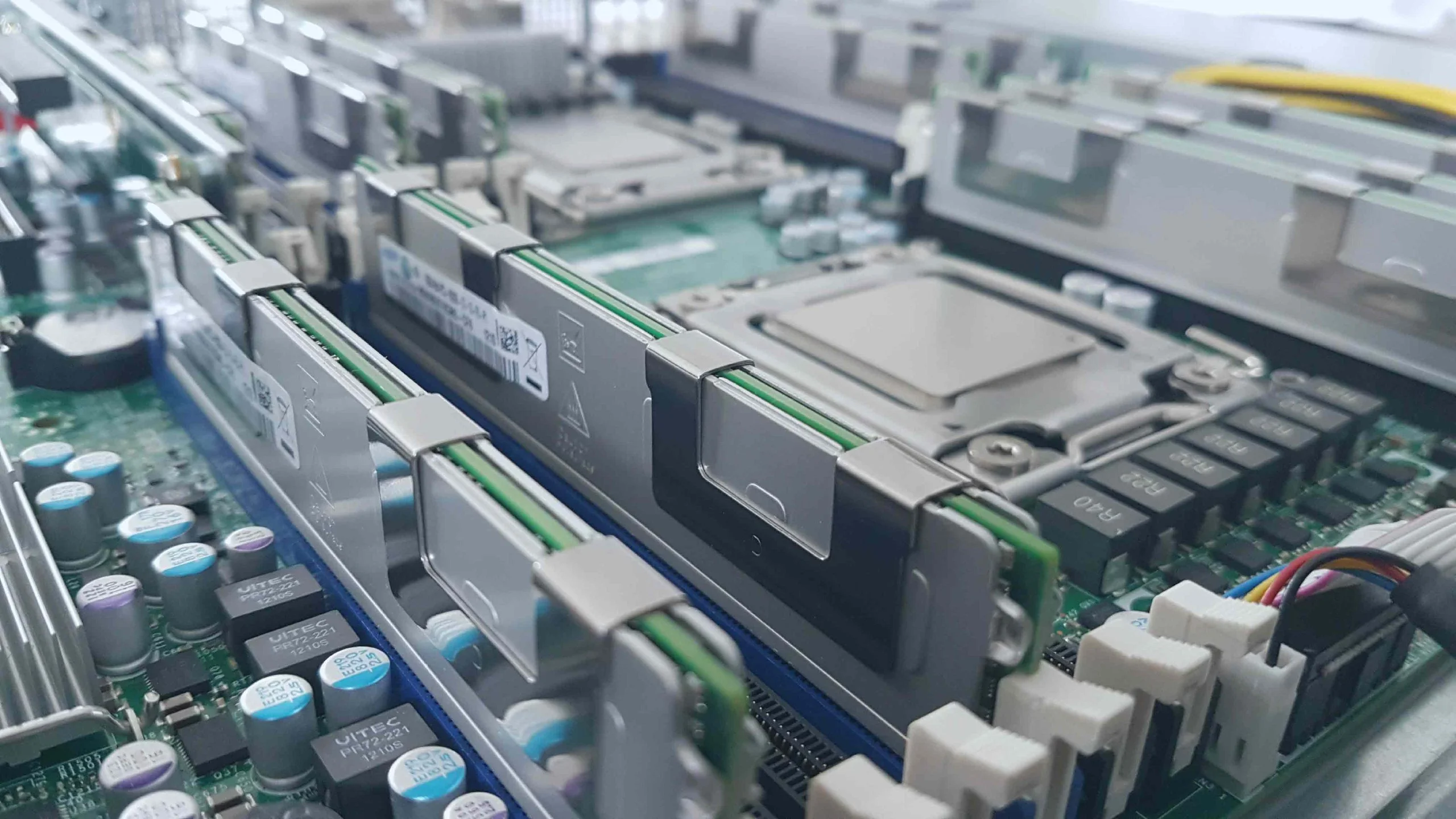
Hardware for Real Gamers

No compromises on performance. Our servers run on state-of-the-art hardware for a lag-free gaming experience.

High-Performance CPUs

Strong single-thread performance

NVMe SSD Storage

Lightning-fast load times

DDoS Protection Included

Enterprise-level protection

10 Gbit/s network

High-speed connection for a lag-free gaming experience without packet loss.

Hardware Performance

Why our Cloud is different

No compromises on performance, security and service - experience the difference

Switch games at no extra cost

Switch between Minecraft, Rust, Valheim, GMod and more at any time – at no extra charge. The new game is installed automatically.

Multiple servers in parallel

Split your RAM across as many servers as you like. Minecraft + Valheim at the same time? No problem.

Dynamic scaling

More players? Just add more RAM and upgrade your existing servers.

Game features

What to expect with Rust

Supported versions

Facepunch's Rust Dedicated Server, vanilla or with Oxide/uMod.

Mod support

Oxide/uMod uMod plugins Custom maps

Special features

  • Install Oxide with one click in the panel
  • Map wipe or full wipe including blueprints in the panel
  • Set world size, seed or a custom map URL
  • RCON and admins by Steam ID
  • Backups and scheduled restarts

Guide

Your Rust server: what you should know

Why your own Rust server?

On someone else's server, others decide the rules, the wipe schedule and how many players you're up against. On your own Rust server you choose whether it's vanilla PvP, a relaxed PvE server, a training server for your clan or a server with boosted rates.

Vanilla, Oxide or Carbon?

  • Vanilla is Rust as Facepunch ships it.
  • Oxide/uMod is the most widely used plugin framework. Plugins are .cs files you place in the oxide/plugins folder, and Oxide loads them without a restart. Popular examples are Kits, Gather Manager, Better Chat and Remover Tool.
  • Carbon is a newer alternative that also runs most Oxide plugins. The panel is set up for Oxide; if you prefer Carbon, you install it yourself via SFTP.

According to Facepunch, servers whose plugins change gameplay, for example with higher gather rates, belong in the "Modded" category of the server browser.

Understanding wipes

Facepunch releases an update on the first Thursday of every month that forces a map wipe on every server, the so-called forced wipe. Many servers wipe in between as well, usually weekly or every two weeks. Blueprints normally survive the forced wipe unless Facepunch announces a BP wipe.

In the panel you trigger a map wipe (map and buildings) or a full wipe (blueprints and player data as well). The server has to be stopped first. Create a backup beforehand.

How much RAM does a Rust server need?

Rust is one of the most memory-hungry survival games. Usage grows with world size, player count and every structure built over the course of a wipe. Rough guidance, not a guarantee:

  • Small server for friends, world size 3000: 8 GB
  • Community server with 50–100 players, plugins and world size 3500–4500: 12–16 GB
  • Large maps or very many players: 16 GB and more

Below 8 GB things get tight quickly; that's usually only enough for short tests.

How it works at Prepaid-Host

You book cloud RAM for a fixed term and pay up front, with no subscription trap. If your server grows over the course of a wipe, you add RAM without reinstalling. You can also run a second, small server from the same RAM to test new plugins before wipe day. The servers are located in Frankfurt am Main and protected against DDoS attacks.
How It Works

Easy to Get Started

Launch your Cloud Gameserver in just a few steps

1. Choose Game

Select your favorite game from our Cloud Gaming collection

2. Pay

Securely via PayPal, credit card, Paysafecard and more. Instantly, no subscription trap.

3. Configure

Choose RAM and duration for optimal performance

4. Start Instantly

Your server is ready within 1-2 minutes of payment

FAQ

Frequently Asked Questions

Everything you need to know about our Gameserver Cloud

How fast is my server ready?
After ordering, your game server will be automatically provisioned within 1-2 minutes. You get immediate access to the management panel and can start configuring.
Can I upgrade my server?
Yes! You can add more RAM or extend the runtime at any time. The upgrade happens without data loss and without reinstallation - simply with one click in the dashboard.
How does the DDoS protection work?
All servers are protected by professional DDoS protection. The filtering is automatic and transparent - you don't have to configure anything.
Are backups created?
Yes, we create daily automatic backups of your server. These are kept for 7 days and can be restored at any time with one click.
Where are the servers located?
Our servers are located in the premium data center Maincubes FRA01 in Frankfurt am Main, Germany. This ensures low latency across Europe.
Can I give others access?
Yes, you can create any number of subusers and assign them different permissions. This way team members can manage the server without having access to billing.

Ready for your Rust server?

Configure your cloud game server in under 60 seconds. No commitment, instant activation.

  • Instant Online
  • DDoS Protection
  • Cancel anytime
Screenshot